
Field Guide
Authoring for IADS: Formats, Graphics, and What Breaks
What It Takes
The Format Picture
Start with the reassuring part, because teams routinely overestimate the constraints. Straight from the official FAQ:
40051B, 40051-1, 38784, 63029, S1000DBoth MIL-STD-40051 lineages, the DoD style and format standard, the aircraft/UAS operator manual performance spec, and S1000D.
CGM, SVG, PNG, JPG, BMP, G4, TIFF, GIFVector and raster both; CGM and SVG carry the technical illustration load; the raster formats cover photography and scans.
AVI, WMV, MPGEmbedded video, which is one of the capabilities that makes an IETM worth building over a PDF.
Two observations follow. First, the viewer is not the narrow gate people expect; it takes both MIL-STD-40051 lineages, MIL-STD-38784, the aircraft and uncrewed-aircraft operator manual spec, and S1000D. Second, and more useful: the constraints that actually bite on a program come from your business rules and FOSI, not from this list. “The viewer supports it” and “your program permits it” are different questions.
The Interactive Part
Hotspots Are the Point
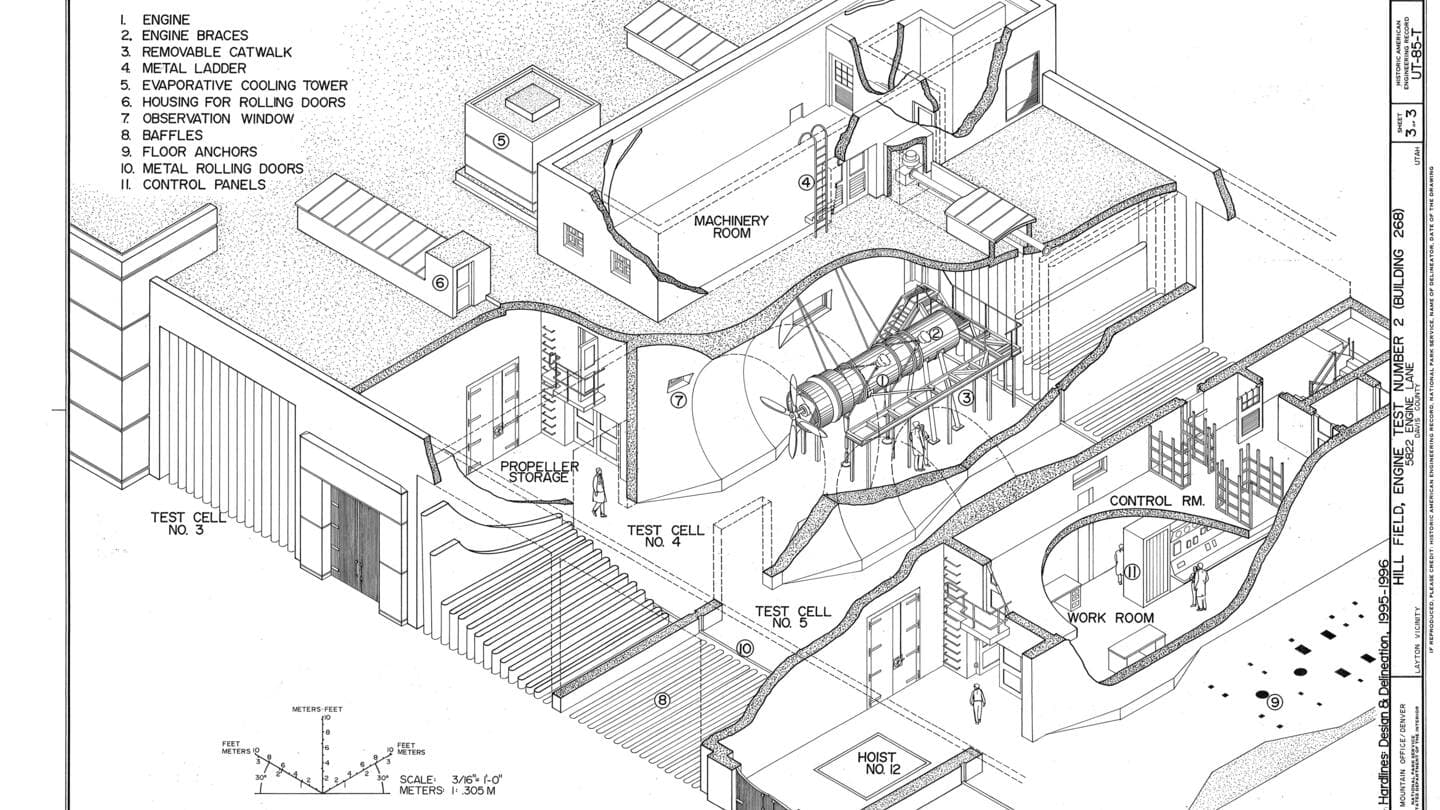
IADS supports embedding graphics in text and putting hyperlinks on graphics through its Viewimage module, so a region of an illustration can trigger an action, open the procedure, jump to the parts entry, follow the reference. That is the capability separating an IETM from a PDF of the same content, and it puts a hard requirement on illustration source: hotspot-linked CGM libraries carry data worth protecting. The destructive move, flattening technical illustrations to plain raster for “compatibility”, discards the interactivity you are contracted to deliver, and it is the vector-versus-raster mistake with a delivery consequence attached.
The legacy trap in the same territory is RPSTL: repair parts and special tools list files need converting to match your other data standards before they will work. It bites because parts data usually lives apart from narrative content, on its own schedule, with its own owner, and gets remembered at integration. Inventory it alongside everything else and put its conversion in the same plan.
The Discipline
Test in the Viewer, From Module One
Everything above matters less than the habit. Build a representative slice early (worst tables, a hotspot-linked illustration, any embedded video, a fault isolation path), open it in the viewer, and keep repeating every sprint. The failure classes are consistent and easy to name: unresolved links and graphic references, multimedia that doesn't play, tables that render unusably, interactive behavior that never fires, navigation that doesn't match the structure the authors intended. Every one of them is cheap while a pattern is being set across ten modules and brutal across a thousand, and none of them is caught by schema validation, which is the whole reason valid content can still fail acceptance.
One organizational note to close on: this testing needs an owner. On programs where “does it work in the viewer” belongs to everybody, it belongs to nobody until delivery review. Name the person, put the slice in the schedule, and treat a viewer regression like a build failure, which is exactly what it is.
FAQ
Questions We Hear
Which content standards and formats does IADS accept?
Per the official FAQ, IADS4 supports 40051B, 40051-1, 38784, 63029, and S1000D. Graphics support spans CGM, SVG, PNG, JPG, BMP, G4, TIFF, and GIF, and embedded video covers AVI, WMV, and MPG. The practical read: the viewer is more accommodating than most teams assume, and the constraints that actually bite come from your program's business rules and FOSI rather than from the viewer's format list.
How do graphic hotspots work?
IADS supports embedding graphics in text and creating hyperlinks on graphics through its Viewimage module, so a region of an illustration can be made to perform an action: jumping to a procedure, a parts entry, or another module. That capability is exactly why illustration source matters: hotspot-linked vector artwork is the difference between a figure that navigates and a picture that sits there. If you hold CGM libraries with hotspot data, preserve it; flattening illustrations to plain raster throws away the interactivity you are being paid to deliver.
What's the RPSTL trap?
Legacy Repair Parts and Special Tools List files need converting to match your other data standards before they will work in IADS4, the FAQ says so directly. It catches programs because RPSTL content often lives apart from the rest of the manual set, maintained on its own schedule by a different team, and gets remembered late. Inventory your parts data at the same time as your narrative content, and put its conversion in the same plan, or it becomes a surprise at integration.
How should a team test against the viewer?
Continuously, from the first work package, not at delivery review. Build a representative slice early (one that includes your worst tables, a hotspot-linked illustration, any embedded video, and a fault isolation path) and open it in the viewer. Then repeat every sprint. The failure classes to watch are unresolved links and graphic references, multimedia that doesn't play, tables that render unusably, interactive behavior that never fires, and navigation that doesn't reflect the intended structure. All of them are cheap to fix while the pattern is being established across ten modules, and expensive across a thousand.

Get In Touch
Content That Behaves in the Viewer
We author and convert Army technical content (hotspots, parts data, and all), and we test it in the target viewer from the first work package rather than the last week.