
Product
Shakewell Content Portal
Technical content, delivered.
A content services platform for technical publications: structured, searchable, version-controlled, and scoped to exactly who should see it. Run it as hosted SaaS, in your own cloud, or entirely on your infrastructure.
Why It Exists
Content People Can Actually Find
Technical documentation usually fails at the last step. The content is correct, compliant, and current, and it reaches the maintainer as an untraceable PDF in an inbox. The portal is the destination that replaces the copy.
A distribution point, not a document dump
Most technical content reaches its audience as files. A PDF attached to an email, a folder on a share drive, a zip on an FTP site. The moment it lands there it is a copy: unversioned, unsearchable, and impossible to withdraw. The portal replaces the copy with a controlled destination. One authoritative version, addressable by URL, with the previous one superseded rather than deleted.
- One canonical location per publication, with every version retained
- Superseded documents stay reachable and clearly marked, so nobody works from a withdrawn revision by accident
- Withdrawal is immediate; there is no copy in an inbox to chase
Built for the shape technical content actually takes
Technical publications are not flat documents. They carry tables of contents, page-level structure, illustrations with their own control numbers, and relationships between versions and the documents they replace. The portal models all of it rather than flattening it into a file with a name.
- Publications, versions, and supersessions as first-class relationships
- Renditions, the same source published to more than one delivered form
- Page-level addressing, so a link can point at a page rather than a document
- Generated tables of contents for navigation inside long manuals
- Document typing, collections, and packages for bulk ingest and grouping
Access control that matches how programs are organized
Technical content is rarely public and rarely uniform. A supplier sees one subset, an operator another, an internal engineering team a third. Permissions are scoped by organization, department, and role rather than by folder, so access reflects the org chart instead of the filing system.
- Organization, department, and role scoping
- Access requests, so a user who hits a wall can ask rather than email someone
- SAML single sign-on against your existing identity provider
- Per-download watermarking for controlled distribution
You can see what is actually being used
Publishing without telemetry is guesswork. The portal records viewing behavior through a dedicated events API, so you can see which publications get used, which are ignored, and where people search and find nothing. The last one being the most useful signal a documentation team can have.
- Behavioral events captured per view, search, and download
- Batched and queued, so analytics never slows the reader down
- Feedback capture on individual publications
In Use
The Reader
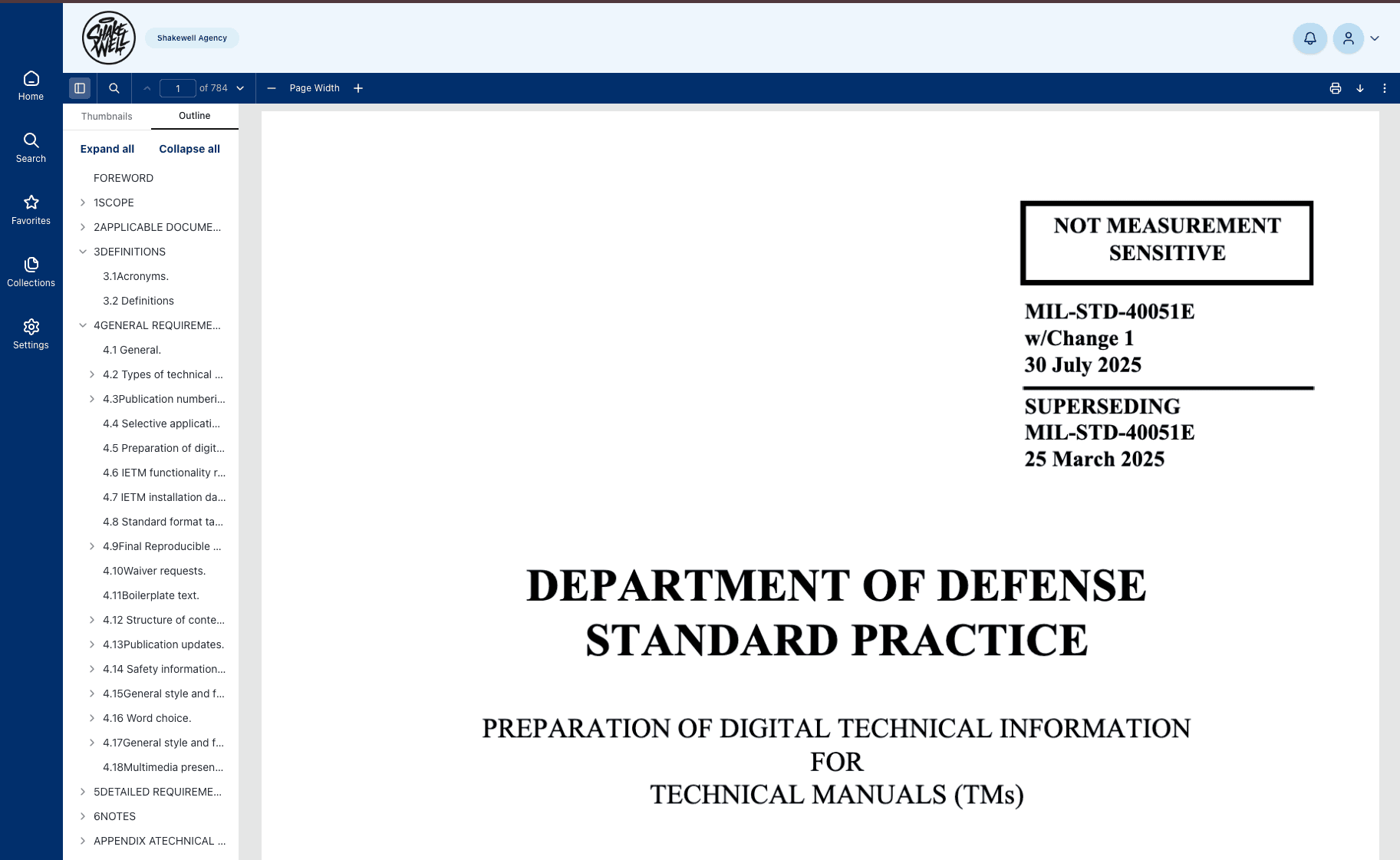
A reading experience built for long technical documents: a generated table of contents down the side, page-level navigation, and illustrations served with the page they belong to.
Search is scoped to what the signed-in user is permitted to see, so results never advertise the existence of a document somebody cannot open. Favorites let a maintainer pin the handful of publications they open every shift.
In Detail
Explore the Portal
Capabilities
Publishing workflow, versions and supersession, permission-scoped search, the reader, and distribution controls.
Read moreDeployment
Hosted SaaS, single-tenant private cloud, or fully self-hosted on your own infrastructure; the same build in all three.
Read moreSecurity & Access
SAML SSO, role and organization scoping enforced server-side, application hardening, and audit traceability.
Read moreAPI & Integration
Content in, content out, toolchain integration, and the structure a grounded AI retrieval layer needs.
Read more
New to the category? Start with our explainer on what a content services platform actually is and how it differs from a CMS or a document repository.
The portal delivers content; it does not author it. If you are still choosing an authoring platform or weighing build against buy, start with how to evaluate a technical publications system or our analysis and strategy practice.
FAQ
Content Portal, Answered
Is the Content Portal a content services platform?
Yes; that is the analyst category it belongs to. A content services platform serves content as addressable services rather than as files in a repository: every publication, version, page, and table of contents in the portal is reachable through the same permission-scoped API that drives the interface, so websites, apps, integrations, and AI retrieval layers all draw from one governed source. It is available as hosted SaaS or fully self-hosted, and the same build runs in both.
Can the Content Portal run entirely on our own infrastructure?
Yes. It is available as hosted SaaS, as a single-tenant instance in your own cloud account, or fully self-hosted on your infrastructure including restricted and disconnected environments. The application is containerized and its infrastructure is defined as code, so the same build runs in all three. The deployment model is a hosting decision, not a feature trade-off.
Does the portal include AI?
Not built in, and we would rather say so plainly. What the portal provides is the foundation a grounded AI layer needs: content that is structured, page-addressable, version-aware, and permission-scoped at the source, all reachable through a documented API. Shakewell builds retrieval and assistant layers on top of that as a separate engagement, which is how you get an assistant that answers from approved current content rather than from a stale flat export.
What happens to superseded documents?
They are retained and marked as superseded rather than deleted. The current version is unambiguous, and the previous ones stay addressable, which matters when you need to establish what a maintainer was actually working from on a particular date.
How does access control work?
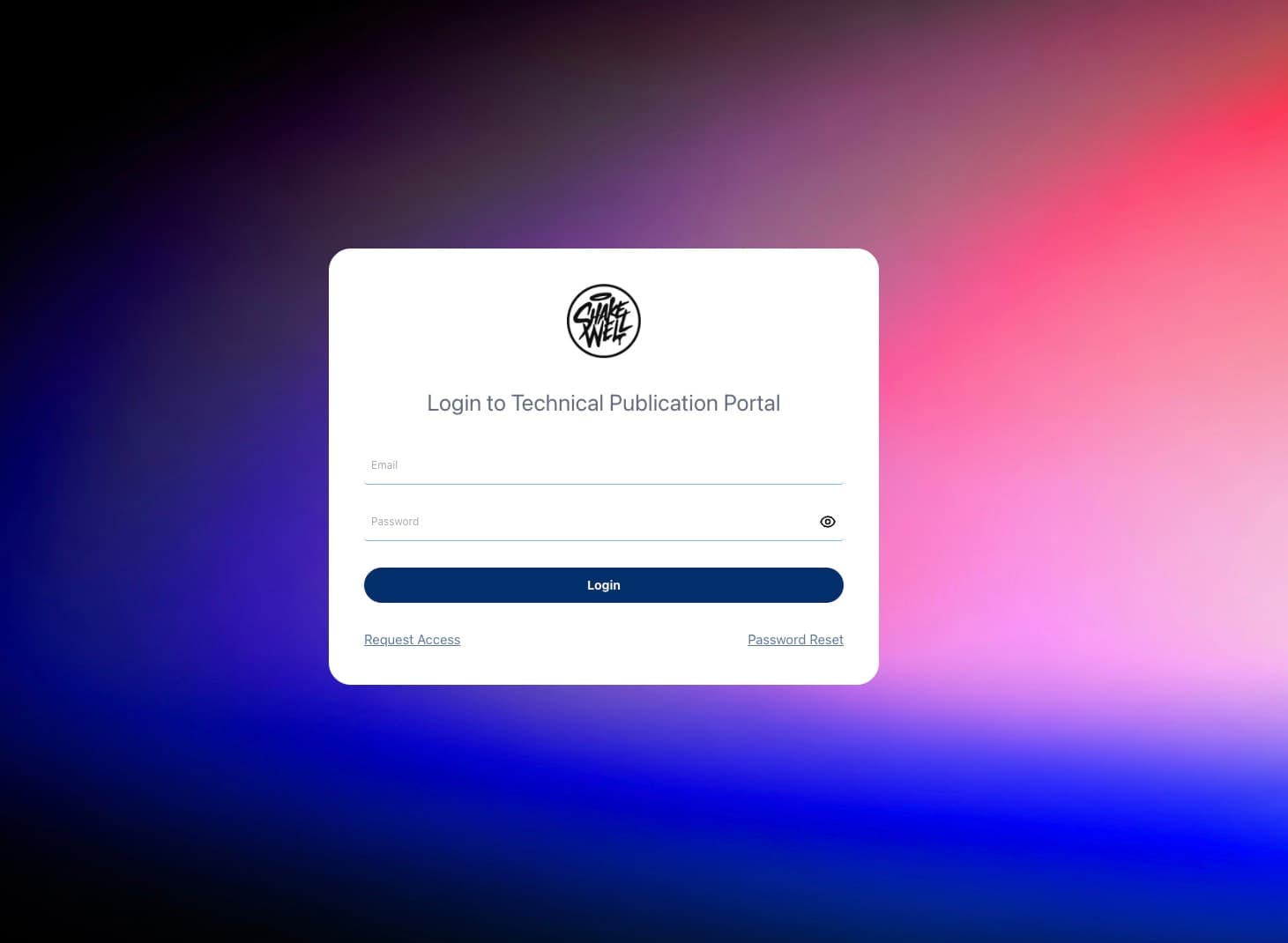
Permissions are scoped by organization, department, and role, and enforced server-side on every request rather than hidden in the interface. Search results respect the same scoping at query time, so a user never sees the title of a document they cannot open. Users who need access they do not have can raise an access request in the portal.
Does it replace our CCMS or CSDB?
No, and it is not meant to. An authoring platform (a CCMS, a CSDB, Word with structure, a publishing pipeline) is where content is written, validated, and managed. The portal is what comes after: the controlled destination its published output is delivered through, with versions, supersession, scoped access, and usage analytics. Most authoring platforms stop at an export; the portal starts there, and it works with whichever one you already run.
Which standards does it handle?
The portal is a delivery and distribution platform rather than an authoring tool, so it is not tied to one specification. It handles the published output of the standards we author in (S1000D, MIL-STD-40051, MIL-STD-3001, ATA iSpec 2200, and DITA among them) and models the structure those deliverables carry, including tables of contents, renditions, page-level structure, and supersession.
Can we start hosted and move self-hosted later?
Yes, and it is worth asking any vendor that question before you sign. Because the deployed artifact is identical across models, moving is a hosting change rather than a re-platforming project.

See It in Action
Request a Demo
Tell us about your content and we will show you what it looks like inside the portal, running against your standards and your access model.