
Explainer
Word With Guardrails: What Structured Authoring Actually Feels Like
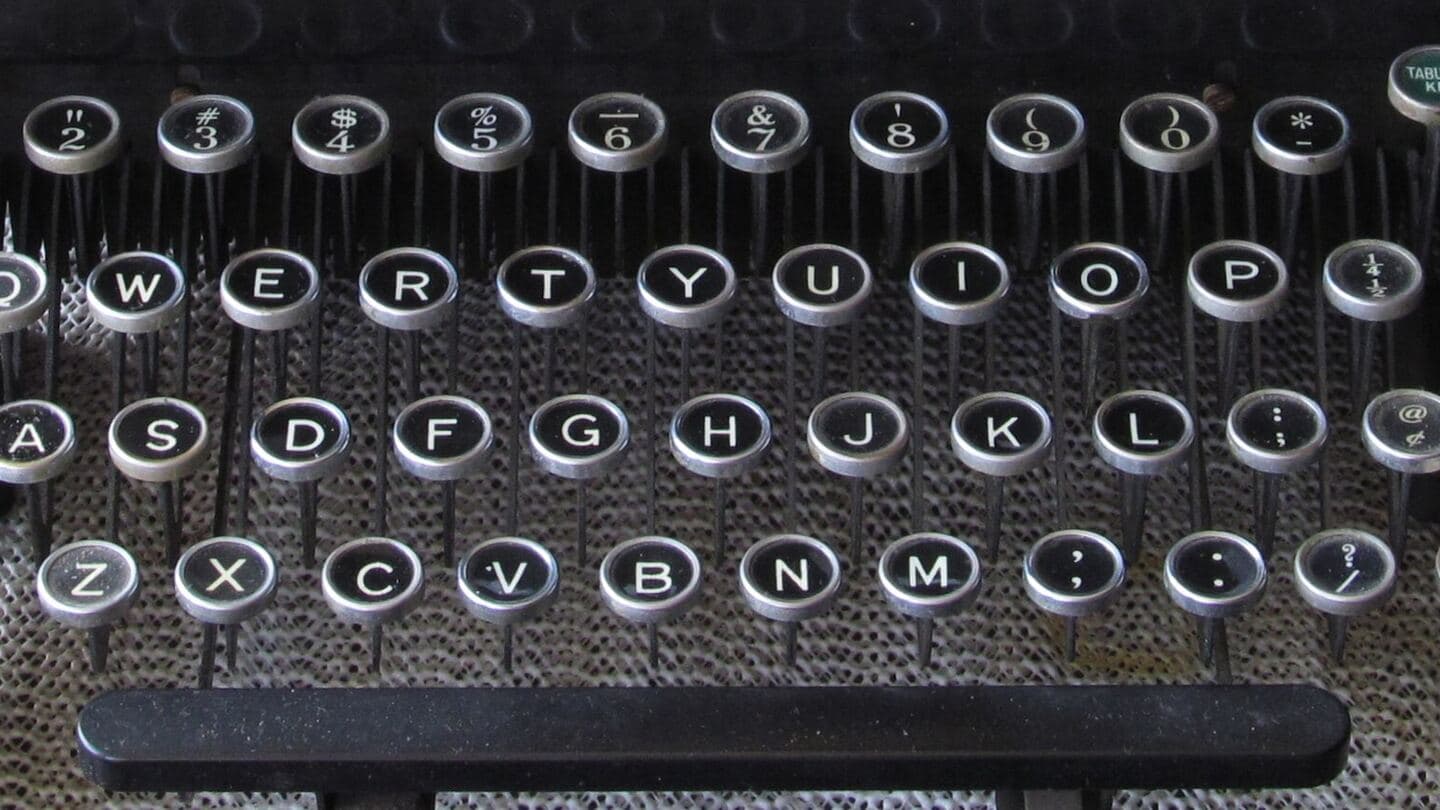
The Fear
Nobody Signed Up to Write XML
Structured authoring has a reputation problem it half-earned. Twenty years ago it did mean angle brackets: researchers wrote theses in LaTeX and markup because nothing else survived documents that long, and “structured” meant learning a programmer's toolchain. No editorial team hears that history and volunteers.
The modern reality is gentler: a browser-based editor that looks and behaves like the online version of Word (typing, tracked changes, comments) while quietly maintaining structured markup underneath. Authors don't see the XML any more than Word users see the XML inside a .docx (which, since 2007, is exactly what a .docx is). The difference isn't what you type. It's what the editor lets you get wrong.
The Reality
Styles That Are Rules

In Word, the styles pane is a suggestion box: any style, anywhere, plus manual formatting for the impatient. In a structured editor the same pane answers a different question; what is allowed right here. Standing in a procedure step, you're offered the things a step may contain; a warning can't follow the step it should precede; numbering numbers itself, so 6.1 is followed by 6.2 or by a recorded override, never by a hand-typed 6.5. The template stops being advice the document slowly ignores and becomes the shape the document cannot leave.
What authors get back for the lost freedom is substantial: a live preview of the publishable output instead of formatting archaeology, documents that don't collapse at scale because each section is its own managed piece, and access to the workflow machinery flat files can never offer, branching and pinning, role-scoped permissions, and single-source publishing to every output at once. It is the same bargain aerospace authors accepted long ago under standards like S1000D: guardrails feel like constraint for a week, and like the floor of a building ever after.
FAQ
Questions We Hear
How different is a structured editor from Word?
Less than the reputation suggests: think the online version of Word rather than a foreign country. It runs in a browser, has change tracking and commenting, and authors type into something that looks like the document. The visible difference is the styles: instead of a flat list of formats you could apply anywhere, the editor shows what is allowed at your cursor's position and what may come next. Behind the scenes it is maintaining structured markup; authors never have to see it.
Is there a steep learning curve?
There's a learning curve for the concept, not the keystrokes; most authors are productive within days. What actually takes adjustment is the discipline: you can no longer 'just make it look right' with manual formatting, because appearance comes from the template at publish time. Teams consistently report the same arc: a week of mild frustration, then relief, because the formatting fights they used to lose simply stop happening.
What do the guardrails actually prevent?
The classics. Numbering that jumps from 6.1 to 6.5 because someone hand-typed it. A warning placed after the step it warns about. Tables where a template forbids them. Fifteen personal variants of the same heading style. In a structured editor those aren't reviewable errors to catch later; they're moves the interface doesn't offer. Overrides exist, but they are declared, so an exception is a recorded decision rather than a quiet drift.
Who defines the rules and templates?
The rules are configured per document type when the system is set up (what an amendment may contain, what a procedure looks like, where notes and warnings may appear) usually as a collaboration between your editorial owners and whoever implements the system. That configuration is exactly the work we do with clients: the tool enforces the rules, but deciding the rules is an editorial act, and it deserves the people who know the documents.

Get In Touch
Curious What Your Team Would See?
The fastest way past the fear is a demo with your own document types. We configure the rules with your editors, not for them.