
Field Guide
Branching for Documents: What Editors Should Steal From Software Engineers
The Problem
Two Deadlines, One Document
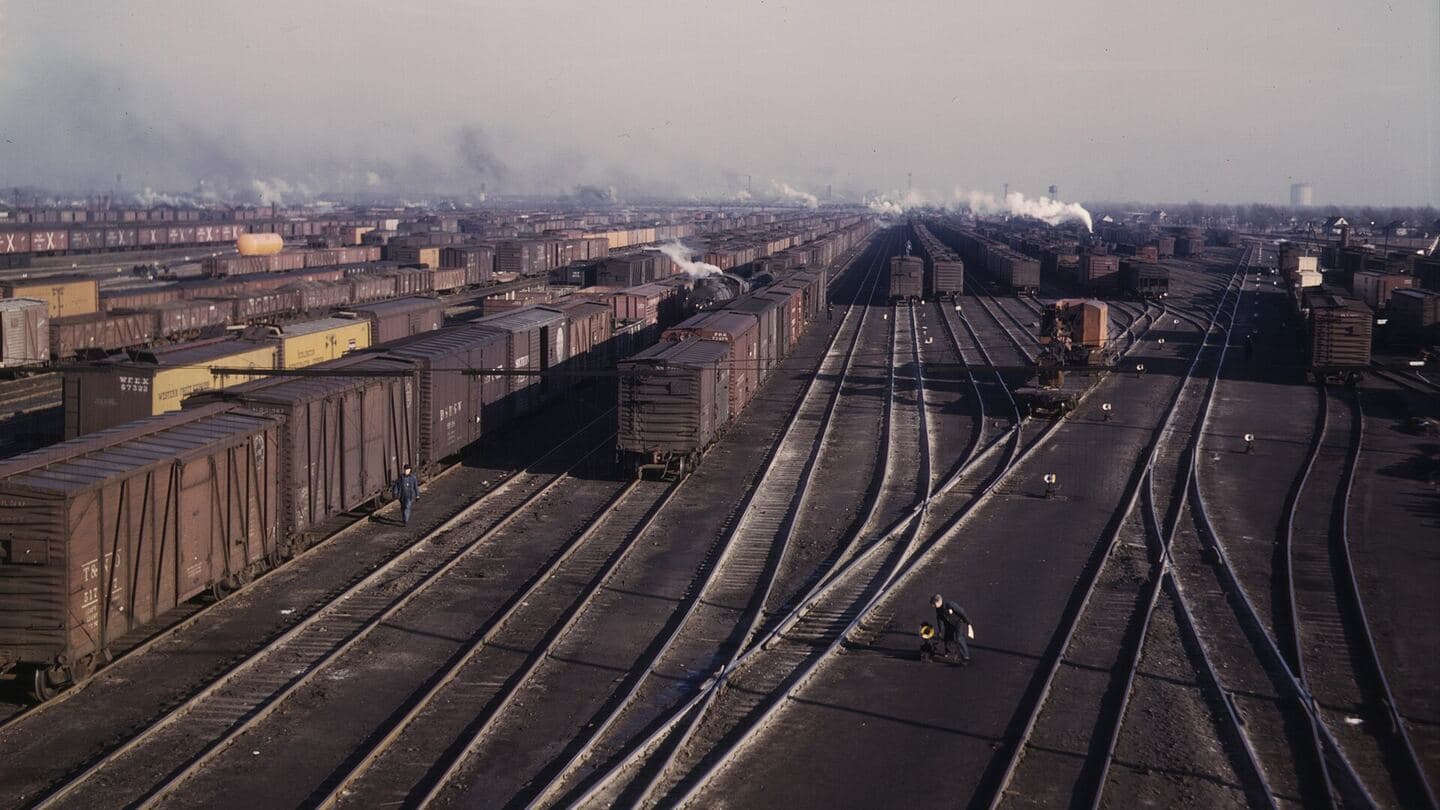
Every serious publication eventually meets the six-and-two problem: a major edition due in six months, and interim updates every two months, both amending the same document. The file-based answers are all bad. Email a copy around and you've created twenty diverging versions the moment the first person replies. Co-author one live file and the major-edition work keeps leaking into the interim releases. Freeze the document for the big rewrite and the two-month obligations slip.
Software engineers hit exactly this in the 1970s and built version control: branch the shared source, work in parallel, merge back, and resolve conflicts explicitly instead of silently overwriting each other. The ideas transfer to documents almost unchanged: what never transferred was the interface, because nobody edits a regulation in a command line. Modern structured publishing systems finally put branching behind an editor that looks like Word, which means the workflow is now available to the people who actually need it.
The Toolkit
Branch, Merge, Route, Pin
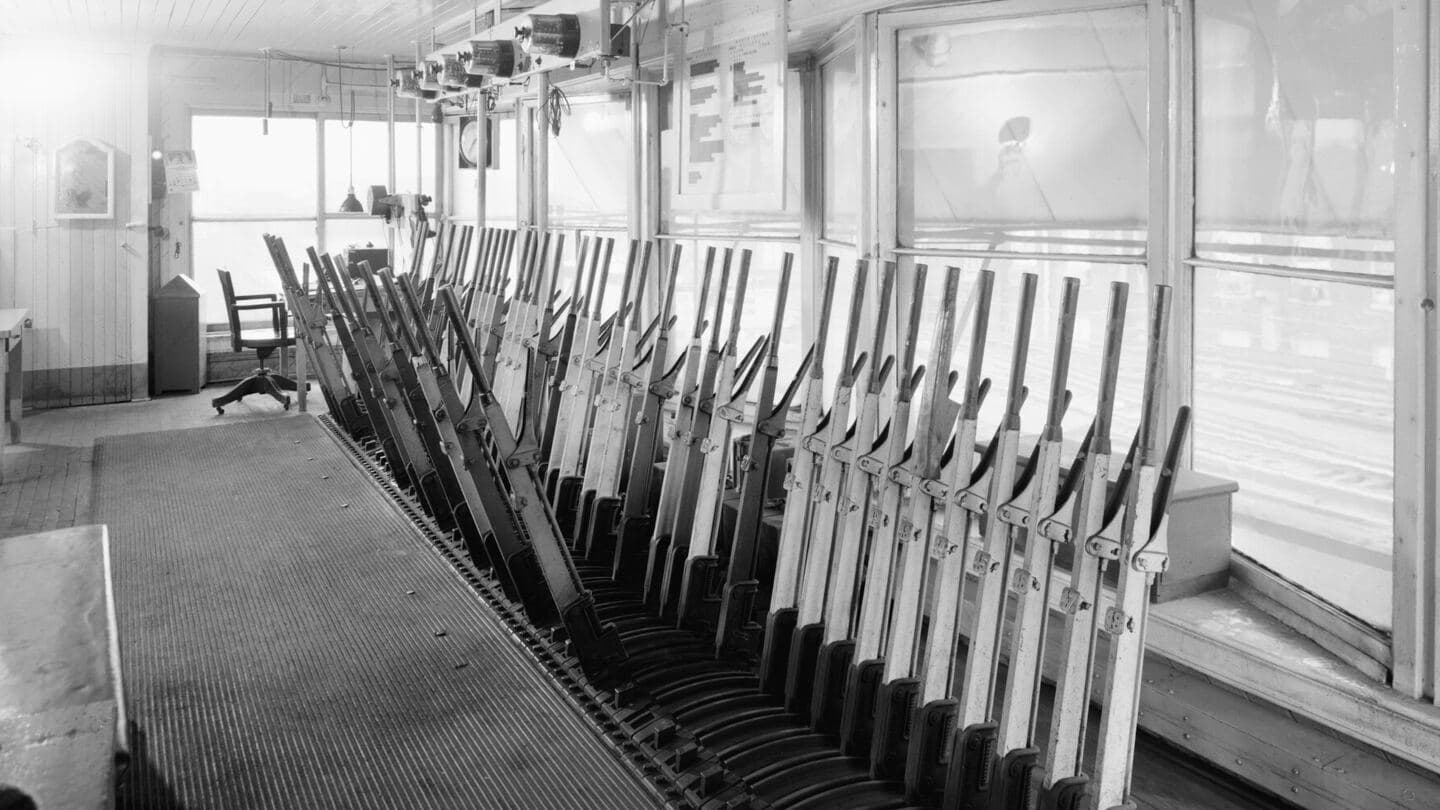
In practice it is four moves. Branch: the major edition gets its own copy at a known point, and its team goes to town without touching the live document. Merge: when the edition lands, the system folds the branch back in, and where both streams changed the same passage, nothing is silently lost. Route: each clash goes to the role that owns that content, with both versions and both authors in view, so the resolution is a decision instead of an accident. Pin: shared content that must not move (the approved legal boilerplate, last year's copyright statement) is held at its exact revision inside the publication, on record, on purpose.
Underneath, every version of every component is kept with its author and timestamp, which is what makes the whole thing auditable in a way no folder of “Report_v7_FINAL_v2” files ever was. It pairs naturally with effective-dated publishing (the branch is where the future version is built; the effective date is when the world gets to see it) and with the role-based permissions that decide who may resolve what. Editors don't need to learn the engineer's tools. They need the engineer's ideas, wearing an editor's interface.
FAQ
Questions We Hear
What is branching, in document terms?
Taking a copy of a document at a known point in time and editing it independently of the original. The everyday version is the six-and-two problem: a major edition due in six months and interim updates every two months, both touching the same document. A branch lets the major-edition team change everything to their heart's content while the live document keeps taking its two-month increments, two work streams, zero stepped-on toes, merged back together when the edition lands.
What happens when a merge conflicts?
The system identifies exactly where two branches changed the same content and routes the clash to the right role (an editor, an author, the owning subject-matter expert) to decide, with both versions and both authors visible. Compare that to the co-authoring alternative, where the conflict message names neither the person nor the change and everyone shrugs. A visible, routable conflict is not a failure; it is the system doing its job.
What is pinning?
Freezing a specific revision of a piece of shared content inside a publication even after the content moves on. The classic case is a legal or copyright statement: the current approved wording keeps evolving, but this year's published edition must carry the exact revision it was approved with. Pinning holds that revision in place deliberately: the difference between an old version by accident and an old version on record.
What happens to branches that never ship?
They become the archive of initiatives that stalled: the restructure that lost its budget, the amendment that got deferred to next year. In file-based workflows that work is scattered across someone's drafts folder and effectively lost. As a branch it stays captured, attributable, and resumable, without ever having touched the live document.
Get In Touch
Fighting the Six-and-Two?
If parallel revisions of the same document are eating your team's weekends, the workflow above is buildable, and your editors never have to see a command line.