
Explainer
Your CMS Media Library Is Not a Document Management System
The Shape
How It Always Happens
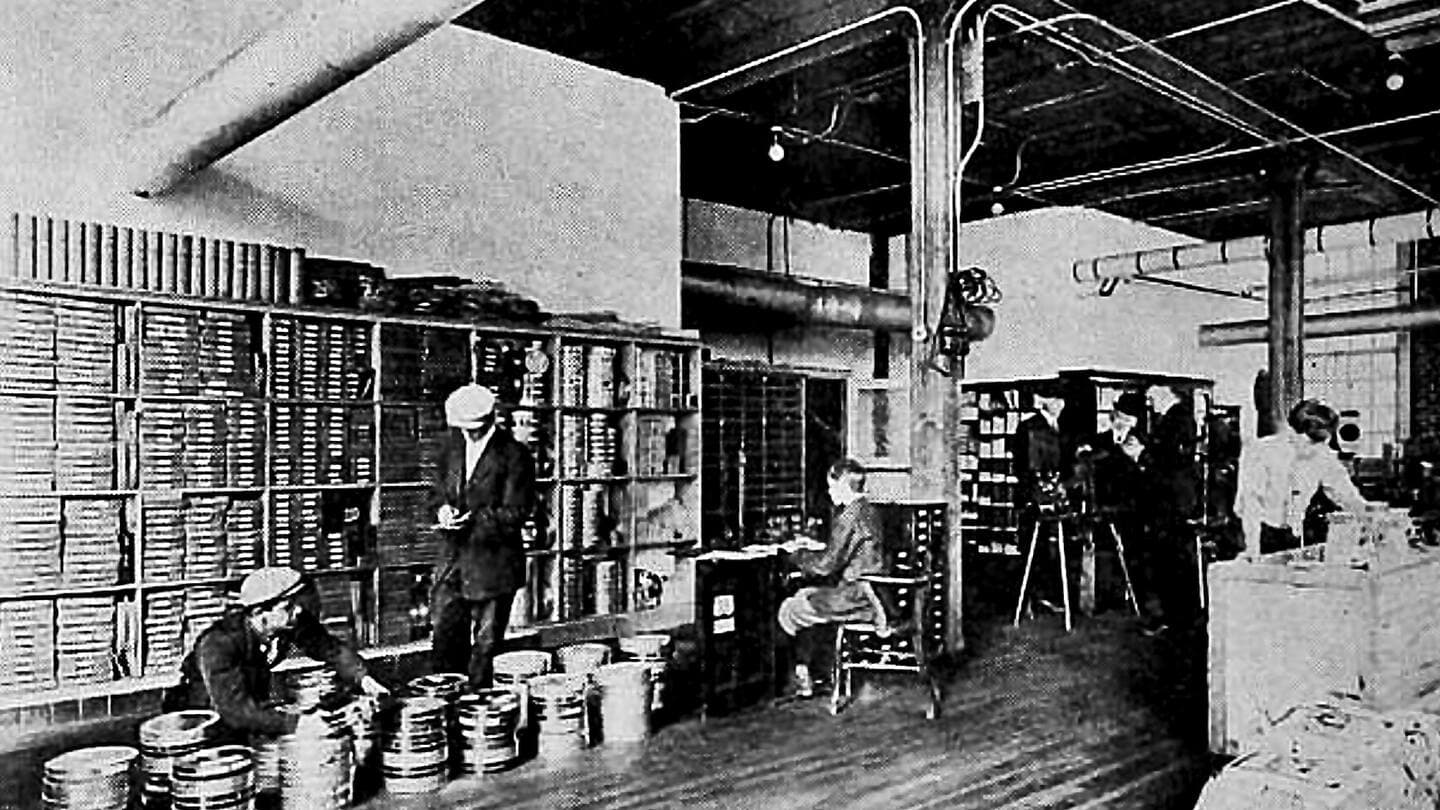
Nobody decides to run thirty thousand documents out of a CMS media library. It accretes: the CMS was there, the upload button worked, and each report, policy, and spreadsheet was just one more file. A decade later the media library is the institutional record (publications, procedures with eight historical versions, zip files of data) all managed by hand, one upload and one replace at a time.
The workarounds are the diagnosis. Files above the size limit go to the web developer to push through a cloud back door. Old versions get renamed instead of related. Search finds filenames, so staff keep private indexes of what lives where. And the escape-hatch project (“let's get a DAM”) gets costed, scoped, and killed, because a marketing-asset tool never quite fits a document problem, and everyone senses it.
The Fix
Deliver Documents Like They Matter
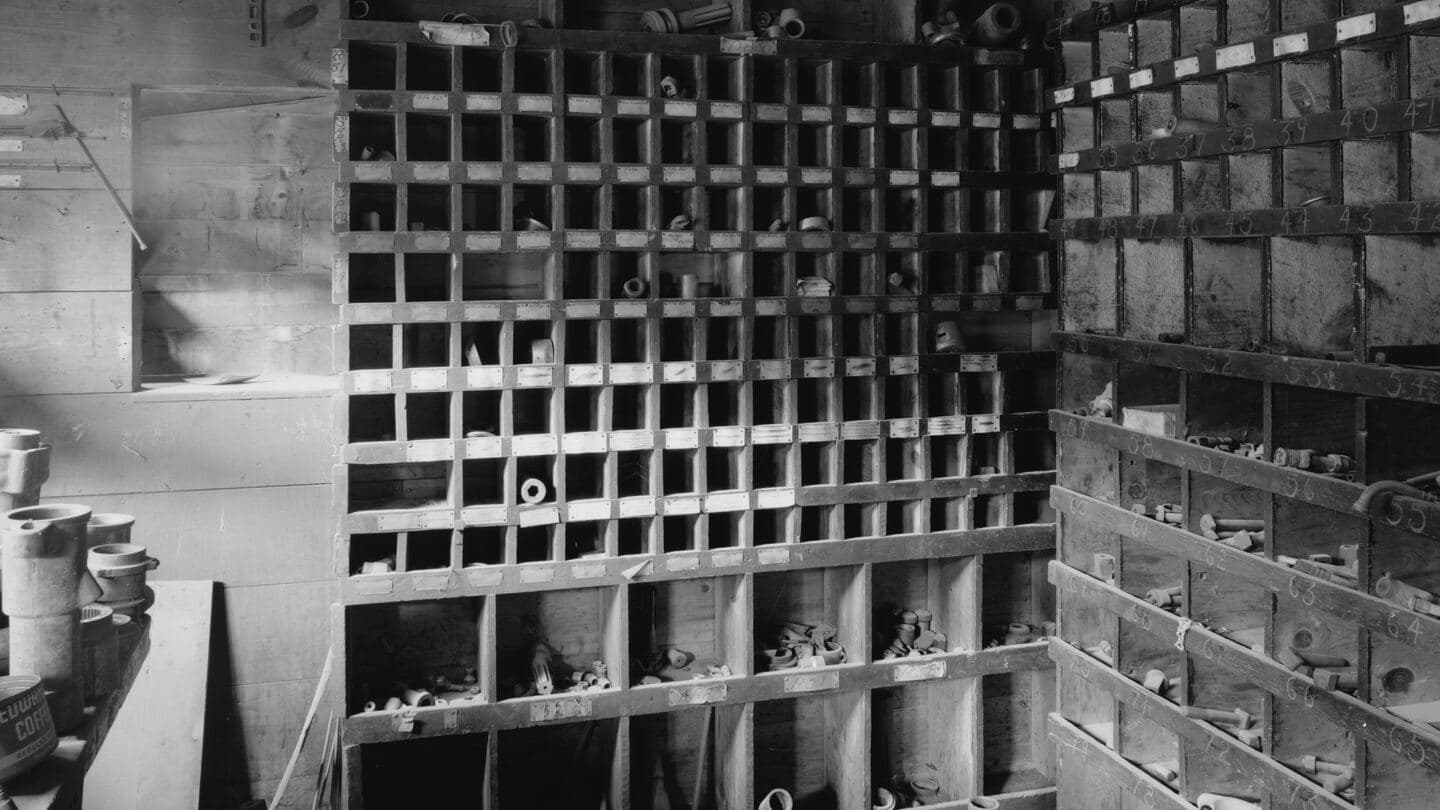
The category that fits is a document delivery platform: a system whose whole job is publishing documents at scale. Versions are linked, dated, and superseded on record rather than renamed. Documents that travel together (a report and its appendices, a standard and its amendments) live as collections. Search reads the contents, not the filename, and reports what people looked for, including the misspellings worth catching. There are no practical size ceilings, so nothing routes through a developer. And every document is addressable by API, which is what makes the library legible to machines as well as humans: increasingly the difference between content that gets cited and content that gets skipped.
The CMS is not the villain here; it's a website tool doing website work. The fix is subtraction: let it keep the pages, and give the documents a home built for documents, ingesting the legacy PDFs as they are, incrementally, while new publications arrive from a structured source. The thirty thousand files stop being a liability the day they stop being files.
FAQ
Questions We Hear
What's actually wrong with keeping documents in the CMS media library?
The media library was designed for the site's own assets: hero images, logos, a brochure or two. Load it with tens of thousands of PDFs, spreadsheets, and zip files and every weakness shows at once: no version relationships between files, no collections, no effective dates, search that matches filenames rather than contents, manual housekeeping for every update, and file-size ceilings that force big uploads through a developer's back door. It works, the way a filing cabinet works as a database.
Is the answer a DAM?
Usually not, which is why those projects keep dying in budget reviews. A digital asset management system is built for the marketing side of the house: brand assets, images, campaign files. Published documents have different needs: versions that supersede each other, current-versus-historical availability, collections that travel together, search inside the content, and machine access. That is a document delivery problem, and buying a DAM for it swaps one mismatched tool for another.
What does a document delivery platform do differently?
It treats each document as a managed thing rather than a file: versions linked and dated, superseded editions retained and visible, related documents grouped into collections, full-content search with analytics on what people actually look for, no practical size ceilings, and everything addressable by API so websites, apps, and AI systems consume the same source. The CMS keeps doing what it is good at (the website) and links out to a library that is actually a library.
Do we have to migrate all thirty thousand documents at once?
No, and you shouldn't. Ingestion is incremental: the platform absorbs the existing files as they are (PDF, Office formats, archives) normalizes how they are presented and searched, and lets you clean up metadata and collections over time. The mistake to avoid is the opposite one: waiting for a perfect migration plan while the media library grows by another thousand files a year.
Get In Touch
Thirty Thousand Files?
Tell us what your media library is carrying. We'll tell you what a real document delivery setup looks like for it, including the incremental path that doesn't need a big-bang migration.